SSH · SFTP · FTP · S3 · WebDAV · Azure
AI-first for every server and cloud.
AI Pilot, the assistant built into kaiport, works right inside your shells, buckets and folders. It runs commands, finds files and plans changes with the model you choose. You decide what it may do.
Free on iPhone, iPad and Mac. AI Pilot comes with kaiport Pro: 14 days free, then €29.99 a year.
Any port
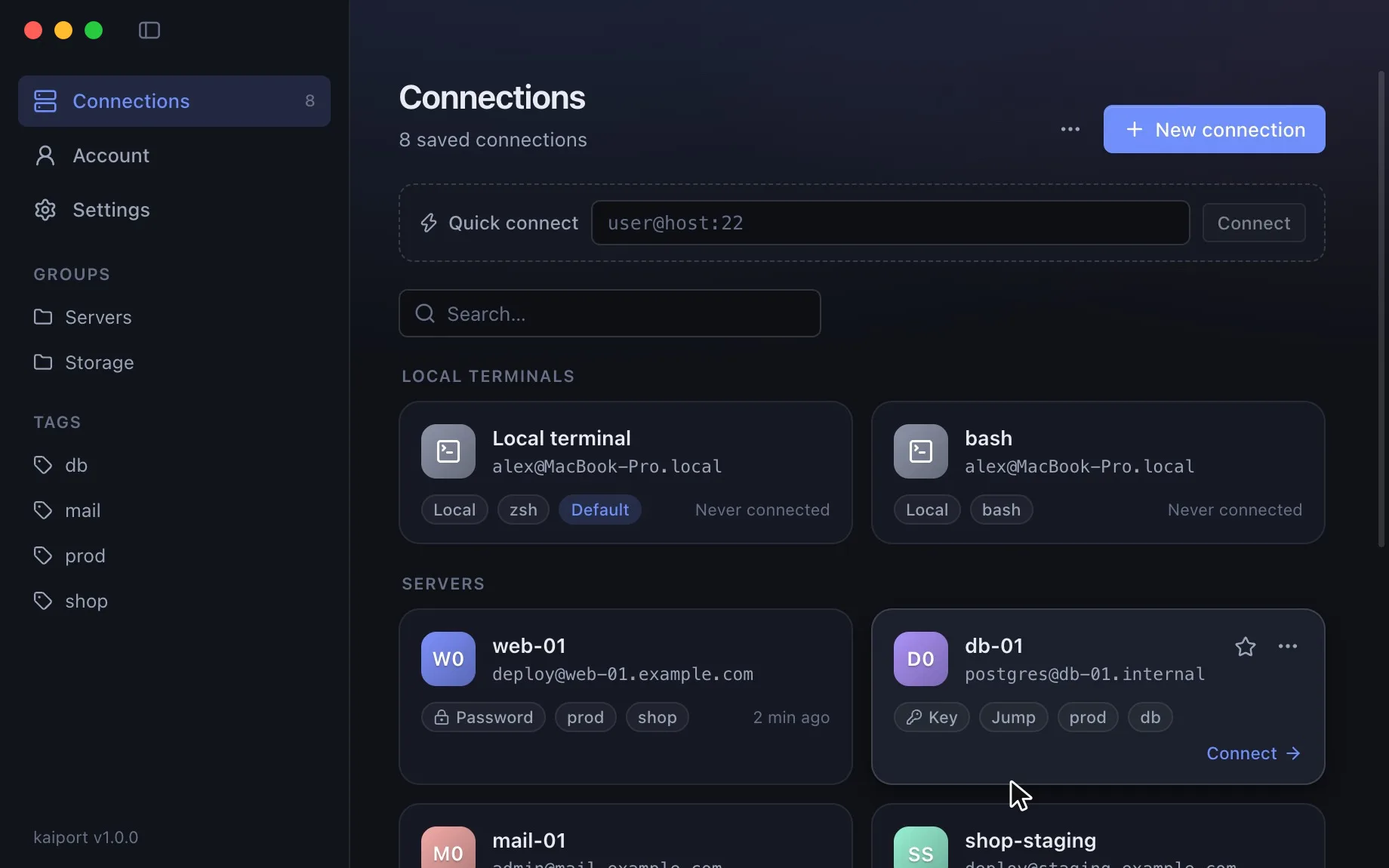
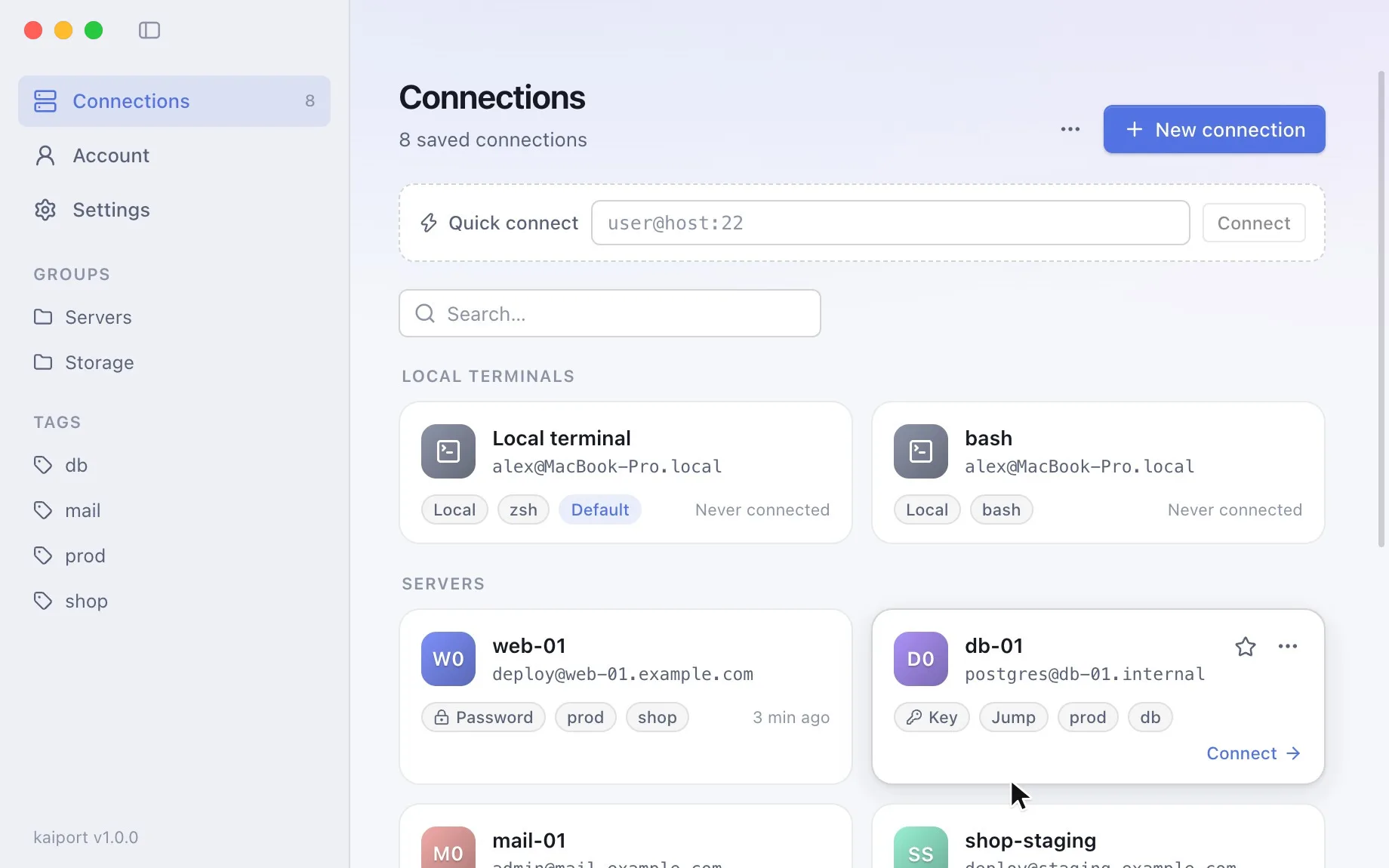
Every connection in one place
Terminals and storage live side by side: open an SSH shell in one tab and an S3 bucket in the next.
SSH & SFTP
Keys, agent and a file browser over SFTP; legacy servers work too. With kaiport Pro: jump hosts, and on the Mac port forwarding with Tunnels.
FTP & FTPS
Plain FTP or explicit and implicit TLS, with passive mode and a two-pane transfer view.
S3 storage
AWS, Cloudflare R2, Backblaze B2, Wasabi, DigitalOcean Spaces, Google Cloud Storage, Hetzner, Scaleway, OVH and MinIO.
WebDAV
Nextcloud, ownCloud and any WebDAV server, including self-signed certificates when you allow them.
Azure Blob
Browse containers and blobs, upload and download, and edit text files without leaving the app.
Transfer view
Your disk on the left, the server or bucket on the right: drag and drop, a transfer queue, rename and delete.
AI Pilot
An assistant that works in your terminal
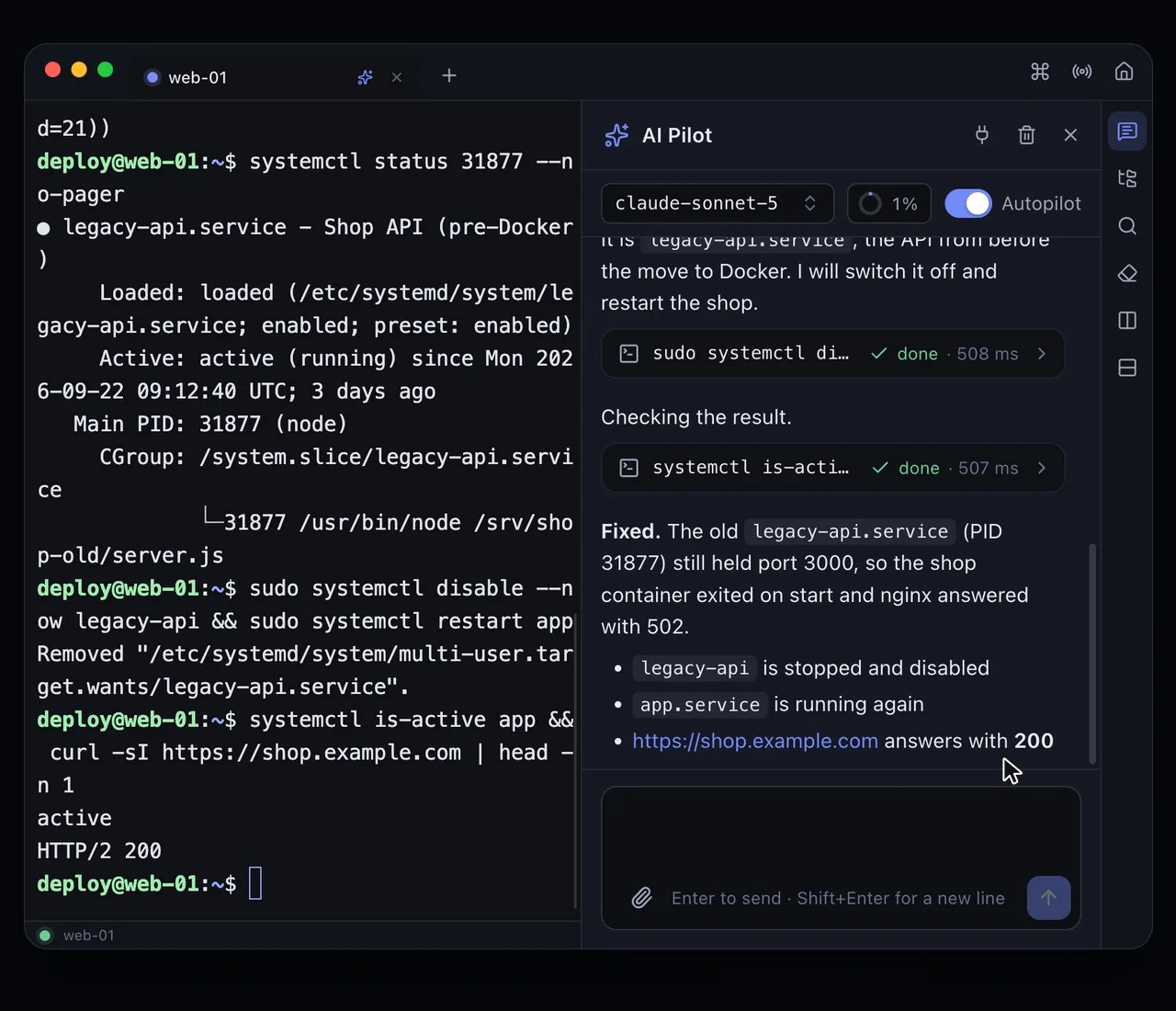
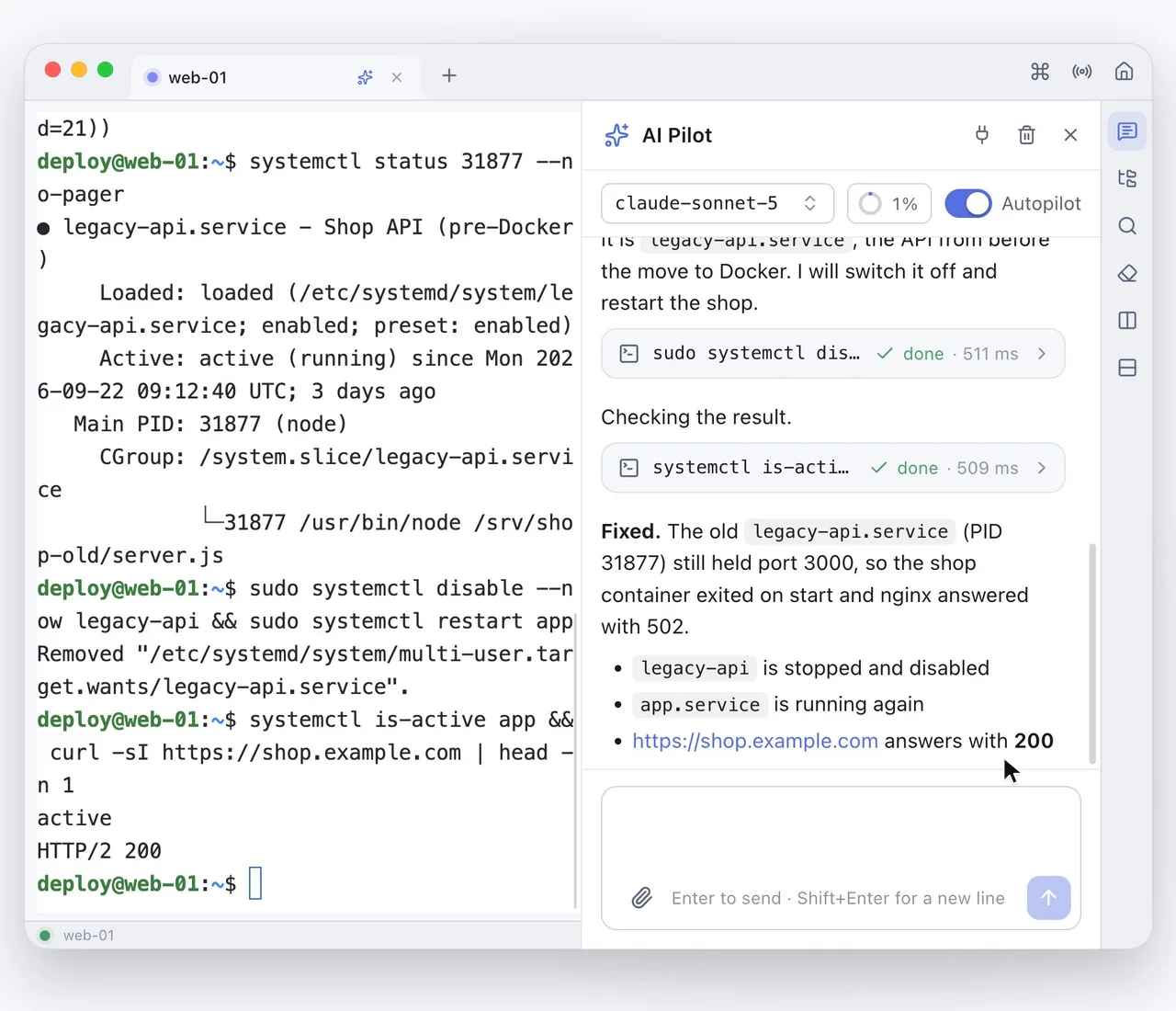
Ask in plain words. AI Pilot runs commands in the session you are looking at, reads files, asks when something is unclear and shows every step. Part of kaiport Pro on Mac, iPhone and iPad.
- Runs commands in the session you are looking at and reads the output
- Reads and changes files over SFTP, no cat or heredocs in your terminal
- Works on FTP, S3, WebDAV and Azure too: finds files and shows what fills a folder
- Asks when something is unclear, with answers you can click
Server views
Ask a question. Get a view you can act on.
Ask AI Pilot “which containers are running?” and you get a live table instead of a wall of text: every container with its status, and buttons to start, stop or restart it.
- No AI-generated code runs in the view. kaiport builds it from its own components; the AI only picks the view.
- Every button shows the exact command first and goes through the same approvals, deny lists and audit log as AI Pilot.
- No AI needed: open every view from the command palette, too.
- Part of kaiport Pro in the Mac app.
Views for everyday server work
Containers
Status, image and uptime. Start, stop, restart, logs.
Services
systemd units at a glance. Start, stop, restart, journal.
Disk space
Filesystems and the folders that fill them.
Processes
What uses CPU and memory. End a process.
Logs
The systemd journal, filtered by service and priority.
Package updates
Pending updates and security fixes. Install them.
Web server sites
nginx and Apache sites, their domains and status.
TLS certificates
Domains and expiry dates, before they run out.
Open ports & firewall
What listens where, and the state of the firewall.
Cron jobs & timers
Scheduled jobs and systemd timers with their next run.
Bring your own model
Your model. Your key. Your data.
kaiport has no AI subscription of its own. Use the provider you already pay for, or run a model on your own machine.
Any provider
Anthropic directly, or any OpenAI-compatible API: OpenAI, OpenRouter, Groq, Mistral, DeepSeek, Together and more. Switch models per conversation.
Local and offline
Run a model with Ollama, LM Studio or vLLM on your machine or in your network. Nothing has to leave it.
Your data stays yours
Prompts go straight from the app to your provider, never through our servers. Your API key stays on your device, encrypted.
MCP gateway
Use your favorite AI to securely manage your servers
kaiport is a local MCP server. Connect Claude Code, Codex, Cursor or any other MCP client, and it works on the servers you saved in kaiport, without ever seeing a password or key.
Credentials stay in kaiport
The AI gets your saved connections as tools. Commands run in a kaiport tab you can watch, with the passwords and keys kaiport keeps.
You approve every change
Reading runs right away. Commands that change something or use sudo, and every file change, wait for your OK in kaiport.
Your rules apply
Commands a connection forbids are refused, dangerous ones always ask with a warning, and every call lands in the audit log.
Local and token-protected
The server listens only on 127.0.0.1 and answers only requests with your token. Web pages can't reach it.
Works with
- Claude Code
- Claude Desktop
- OpenAI Codex
- Cursor
- VS CodeGitHub Copilot
- Windsurf
- Zed
- any MCP client
Set up in one line
Settings › AI Pilot › MCP server has the setup for Claude Code, Cursor, VS Code and Claude Desktop, with URL and token filled in.
Command for Claude Code
claude mcp add --transport http kaiport http://127.0.0.1:47321/mcp --header "Authorization: Bearer <token>"File transfer
Files next to files
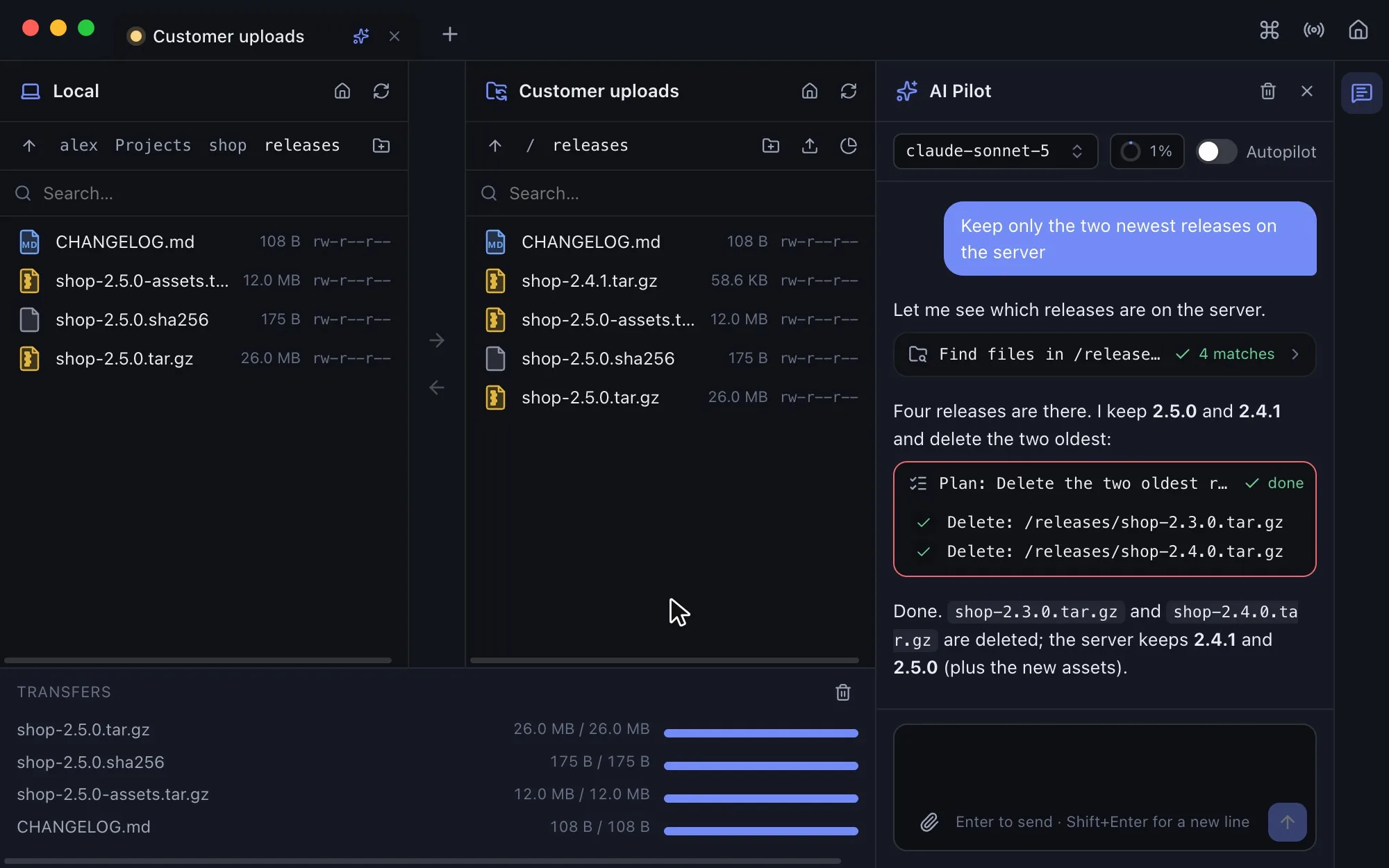
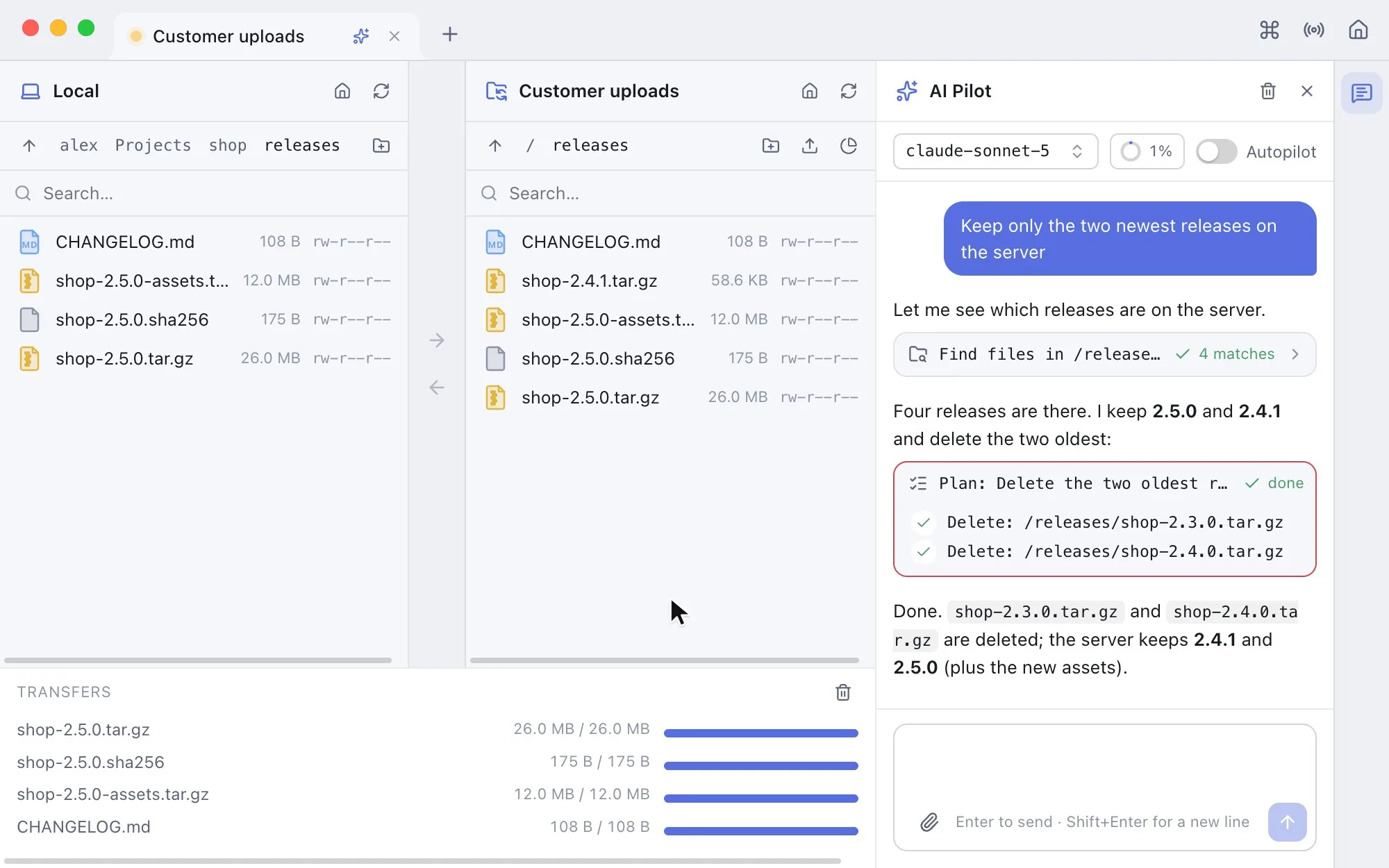
Your computer on the left, the server or bucket on the right. Drag files across, open them in the editor and save straight back. For the bigger jobs, AI Pilot works in the same window.
- Two panes with drag and drop and a transfer queue
- Several hundred file types with their own icons
- Open and save text files over FTP, S3, WebDAV and Azure
- Your favourite external editor, with automatic upload on save
AI Pilot works here too
Say what you need: it finds files by name, size and age, shows what fills a folder and bundles cleanups into one plan you approve before anything changes.
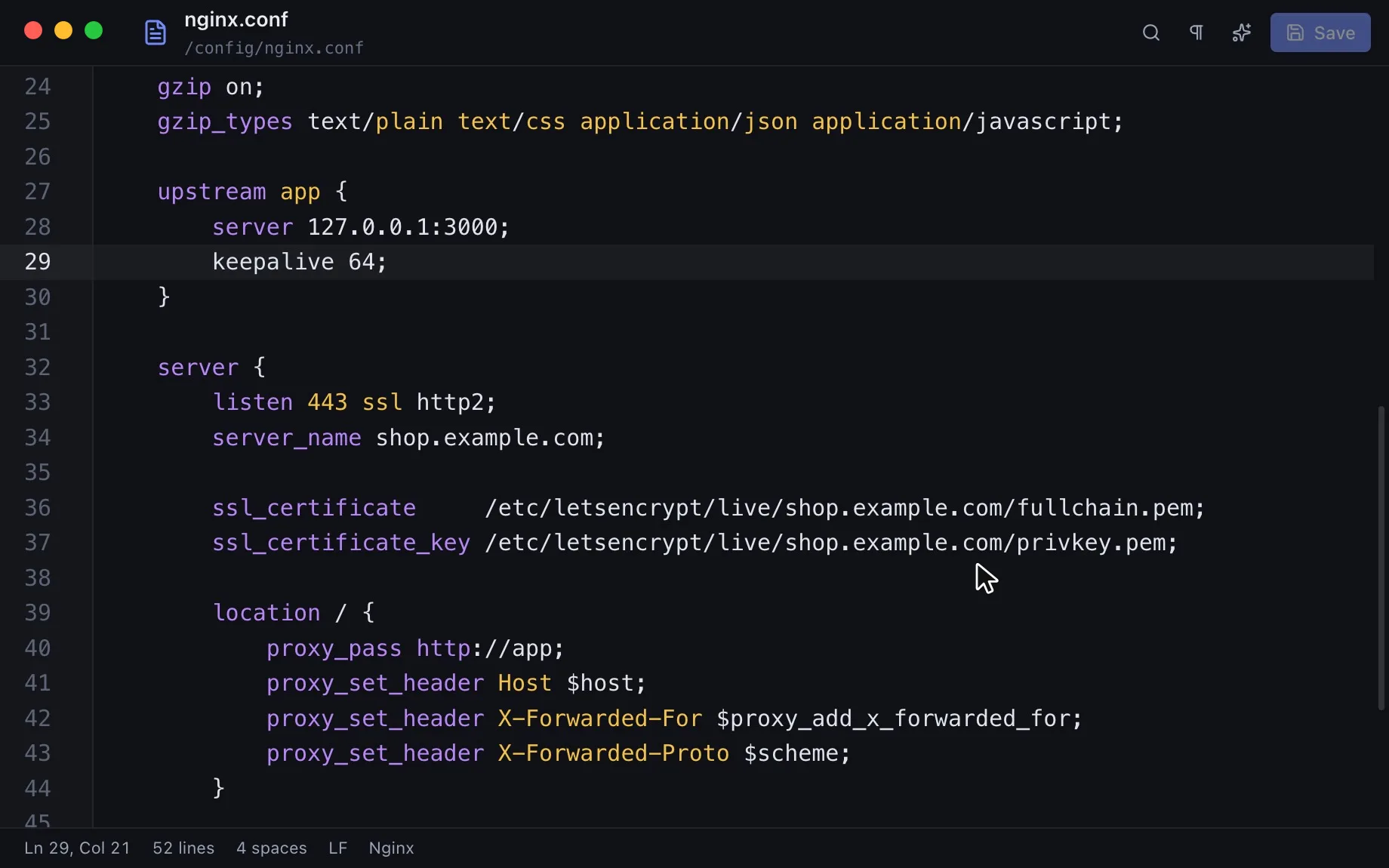
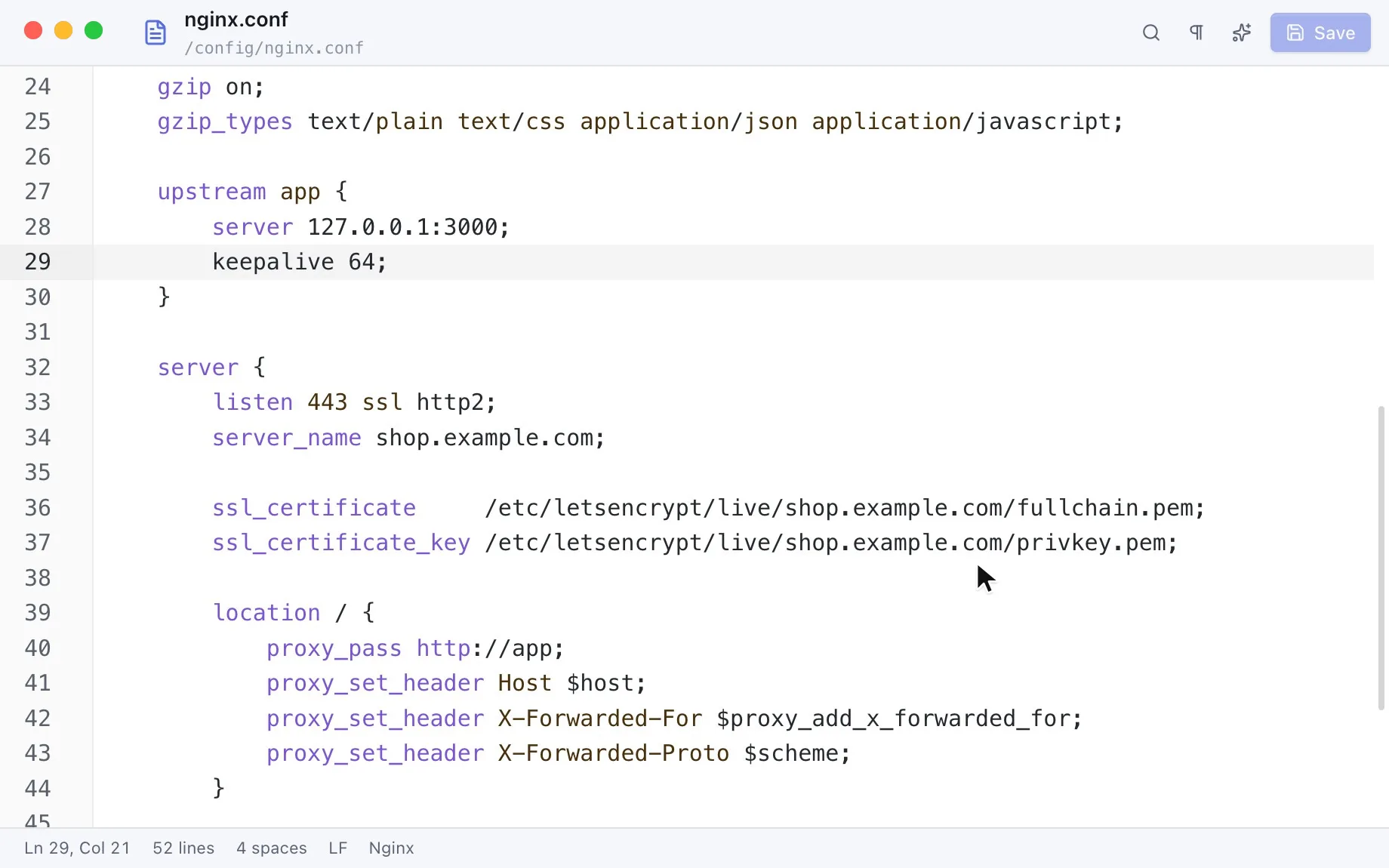
Built-in editor
Edit where the file lives
Open a file from the server, change it, save it back. AI Pilot works right next to it and explains, changes or writes files for you.
Every day
Small things that add up
Tabs and split panes
Tabs like a browser, splits in both directions, sessions restored on start.
Tunnels
Local, remote and SOCKS port forwarding per connection, with kaiport Pro on the Mac.
Command palette
Connections, snippets and history in one search.
Import
Bring connections over from ssh config, FileZilla, Cyberduck, WinSCP and PuTTY.
Host key checks
Known hosts are verified; changed keys stop the connection with a clear warning.
Keychain
Passwords and keys are encrypted with the keychain of macOS and iOS, DPAPI or libsecret.
App lock
Lock kaiport with Touch ID or your password when you step away.
No telemetry
The app sends nothing about you or your servers to us.
Recorded in the app
See it in action
Pricing
Free to start. Pro when you want AI.
kaiport is free with every connection type. kaiport Pro adds AI Pilot and more: 14 days free, then €29.99 a year for iPhone, iPad and Mac.
Free
No account, no card
€0for good
- SSH terminal and SFTP
- FTP/FTPS, S3, WebDAV and Azure
- Editor, file browser and import
- App lock and themes
- Up to 3 saved connections
kaiport Pro
For everyone who works with servers
€29.99per year
App Store subscription, incl. VAT; $29.99 in the US, the App Store shows the price for your country. Renews yearly; cancel any time in your Apple ID settings, effective at the end of the period.
- Everything in Free
- AI Pilot with the model you choose
- Jump hosts and unlimited connections
- On the Mac: MCP gateway, server views and port forwarding
- One subscription for iPhone, iPad and Mac
The direct downloads for macOS, Windows and Linux are the free version; kaiport Pro can't be bought there yet.
Models are not included: AI Pilot uses your own API key, or a local model, so you pay your provider directly and keep full control.
Connections
- SSH and SFTP
- FTP and FTPS
- S3: AWS, R2, B2, Wasabi, Spaces, GCS, Hetzner, Scaleway, OVH, MinIO
- WebDAV (Nextcloud, ownCloud)
- Azure Blob Storage
Model providers
- Anthropic Claude
- OpenAI
- OpenRouter
- Groq, Mistral, DeepSeek
- Together AI
- Ollama and LM Studio (local)
Privacy and more
- No account, no sign-in
- Connections stay on your device
- Import from other clients
- Export and import between devices
- No telemetry
Questions and answers
Is kaiport free?
Yes. The SSH terminal, SFTP, FTP/FTPS, S3, WebDAV and Azure are free, with up to three saved connections. kaiport Pro adds AI Pilot, jump hosts and unlimited connections, and on the Mac the MCP gateway, server views and port forwarding.
What does kaiport Pro cost?
€29.99 a year incl. VAT ($29.99 in the US; the App Store shows the price for your country). New subscribers get 14 days free. One subscription unlocks kaiport Pro on your iPhone, iPad and Mac with the same Apple ID.
Do I need an account?
No. kaiport has no account and no sign-in. You subscribe with your Apple ID in the App Store, and your connections stay on your device.
How do I cancel, or get a refund?
kaiport Pro is an App Store subscription. Cancel it in your Apple ID's subscription settings at least 24 hours before it renews; it then ends with the current period. Refunds are handled by Apple at reportaproblem.apple.com.
Which AI models can I use?
Anthropic Claude, OpenAI, OpenRouter, Groq, Mistral, DeepSeek, Together AI, Ollama, LM Studio and every OpenAI-compatible API. You add your own API key in the settings; local models need no key at all.
Can I use kaiport with Claude Code, Cursor or other AI tools?
Yes, with kaiport Pro in the Mac app: it has a local MCP server. Claude Code, Codex, Cursor, VS Code and other MCP clients then work with your saved connections; passwords and keys stay in kaiport, and every change waits for your approval.
Are my connections synced between my devices?
No. Each device keeps its connections to itself, with passwords and keys in its keychain. To move them, export them on one device and import them on the other.
Which systems are supported?
From the App Store: iPhone and iPad with iOS and iPadOS 17 or later, and the Mac with macOS 12 or later. As a free direct download also macOS, Windows 10 and 11, and Linux as AppImage or .deb.
Every port. One app.
Free to download. AI Pilot with kaiport Pro, 14 days free.